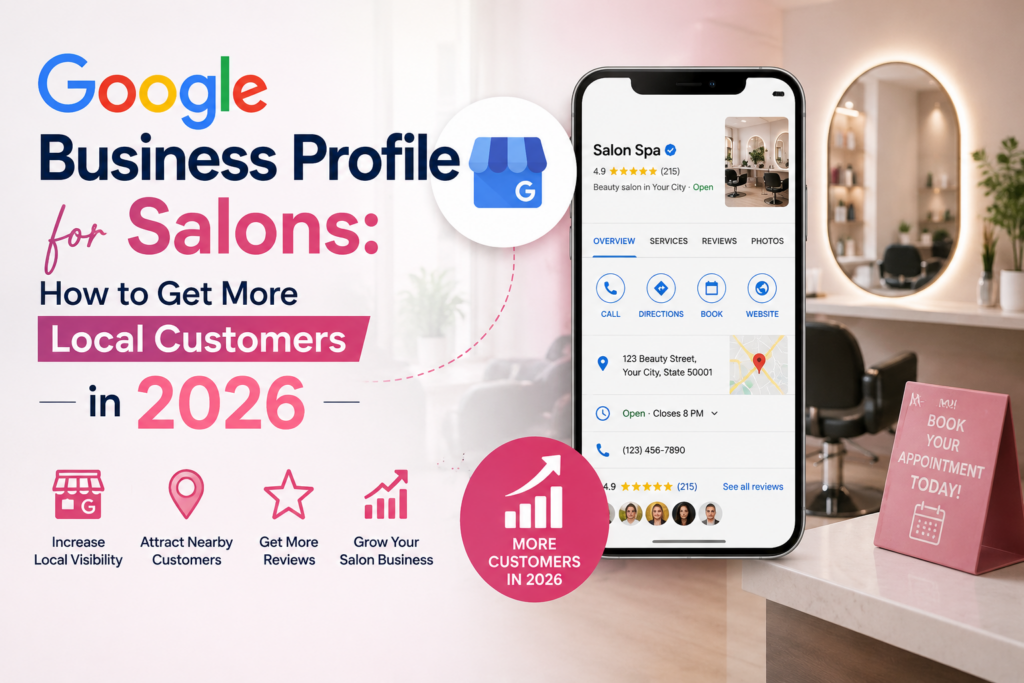
If someone in your city searches “hair salon near me” or “best nail salon open now,” Google doesn’t send them straight to your website. It shows them a map with three salons, their star ratings, their photos, and a “Book” button — and most people click one of those three without ever leaving Google.
That box is called the Local Pack, and getting into it starts with one free tool: your Google Business Profile (GBP). In 2026, GBP has evolved well beyond a simple listing. Google now uses it to power AI-generated answers, real-time booking, and even how your salon is described when someone asks Google’s AI “where should I get my hair done nearby?”
This guide breaks down exactly how salon owners can set up, optimize, and maintain a Google Business Profile that brings in more calls, more bookings, and more walk-ins in 2026.
Why Google Business Profile Matters More Than Ever for Salons
Salons live and die by local discovery. Nobody drives across town for a haircut when three other salons are five minutes away — so winning the “near me” search is often more valuable than ranking on page one of Google’s organic results.
A few reasons GBP has become non-negotiable for salons this year:
- Zero-click search is the norm. Most people now get your hours, address, phone number, and reviews directly from your Google listing without ever visiting your website.
- AI is reading your profile. Google’s AI-powered local answers now pull directly from your GBP data, your reviews, and your website to describe your salon to searchers — so incomplete or inconsistent information can actively hurt you.
- Completeness affects ranking. Google has tightened the link between how fully filled out your profile is and whether you appear in the map pack at all.
- Engagement signals carry weight. How often you post, how quickly you respond to reviews and messages, and how fresh your photos are all influence visibility now, not just your star rating.
In short: an unclaimed, half-finished, or outdated profile is quietly sending clients to the salon down the street.
Step 1: Claim and Verify Your Salon’s Profile
Before anything else, make sure your profile is claimed and verified under your business, not left as an auto-generated listing.
Set Up Your Business Correctly
Go to business.google.com, search for your salon, and either claim the existing listing or create a new one. Use your salon’s real, registered name — don’t stuff it with keywords like “Best Hair Salon Downtown,” since Google actively penalizes and can suspend profiles that do this.
Complete Verification
Video verification is now the standard method for new listings in most regions. Be ready to record a single walkthrough showing your salon’s signage, interior, and a live action (like opening the appointment book) in one continuous take.
Match Your NAP Everywhere
Your Name, Address, and Phone number (NAP) need to match exactly across your website, GBP, and any directories like Yelp or Booksy. Mismatches — especially after a move, rebrand, or number change — create trust issues with Google and can stall your rankings.
Step 2: Choose the Right Categories and Services
This is the single biggest lever most salons get wrong.
Primary Category
Your primary category should be the narrowest, most accurate description of your business — “Hair Salon,” “Nail Salon,” “Day Spa,” or “Beauty Salon” rather than a broad catch-all. Switching from a vague category to a precise one can move your visibility more than almost any other change you make.
Secondary Categories
Add every relevant secondary category your salon genuinely offers — Barber Shop, Hair Extension Technician, Eyelash Salon, Waxing Hair Removal Service, and so on. Each one is another way for Google to match you to a search.
Full Services List with Descriptions
List every service you offer — balayage, keratin treatments, gel manicures, bridal packages — with real descriptions and pricing where possible. This is one of the strongest relevance signals Google uses to match your salon to a specific search like “balayage near me.”
Step 3: Fill Out Every Field Completely
Profiles that are fully filled out get significantly more views and visits than incomplete ones. Don’t leave anything blank.
H3: The Non-Negotiable Fields
- Business description — a clear, keyword-natural paragraph about your salon, your specialties, and your neighborhood
- Hours — including accurate holiday and seasonal hours, updated before they change, not after
- Attributes — women-led, LGBTQ+ friendly, wheelchair accessible, online booking, walk-ins welcome, and any other attributes that genuinely apply
- Website and booking link — link directly to your booking page, not just your homepage
- Local phone number — use a real local number, never a toll-free line, since local numbers signal geographic relevance
Outdated hours are one of the top drivers of one-star reviews. A client who shows up to a locked door because your hours weren’t updated is a client — and a review — you won’t get back.
Step 4: Use Photos and Videos Strategically
Salons are a visual business, and Google treats photo activity as a strong trust and engagement signal.
What to Upload Regularly
- Real photos of your interior, styling stations, and reception area
- Before-and-after shots of actual client work (with permission)
- Team photos so new clients know who they’re booking with
- Short videos of the salon in action
Avoid AI-generated or stock photos of your team or interior — Google actively flags this and it can lead to suspension. Aim to add new photos or videos at least once a week; profiles that go 30+ days without fresh content tend to see a real drop in visibility.
Step 5: Turn On Booking, Messaging, and Posts
Enable Direct Booking
If you use a scheduling tool like Booksy, Vagaro, Fresha, or Squarespace Scheduling, connect it to your profile so clients can book an appointment without leaving Google. This removes friction at the exact moment someone decides to book.
Turn On Messaging
Enable messaging so potential clients can ask about availability or pricing directly. Aim to respond within 24 hours — Google tracks your response time, and fast responders now get a visible response-rate badge that builds instant credibility.
Post Weekly Updates
Use Google Posts to share promotions, new services, seasonal offers, and events. Posts don’t directly move your ranking position, but they lift click-through rates and keep your profile looking active. Salons posting two to three times a week consistently see meaningfully higher engagement than those posting monthly.
Step 6: Build a Steady Flow of Reviews
Reviews remain one of the most heavily weighted trust signals on your entire profile — but in 2026, how they arrive matters as much as how many you have.
Prioritize Consistency Over Volume
A steady stream of new reviews every week outperforms a single burst of fifty reviews followed by silence. Build review requests into your checkout process so every happy client gets a simple, easy link to leave feedback.
Respond to Every Review
Reply to positive and negative reviews alike, promptly and personally. Response speed and quality are now tracked as ranking signals, not just a nice-to-have for customer service.
Handle Negative Reviews Professionally
Acknowledge the concern, keep it brief, and take the conversation offline when needed. A thoughtful public response often reassures future clients more than the review itself worries them.
Step 7: Keep the Profile Active Month After Month
Google Business Profile is not a “set it and forget it” tool anymore. Build a simple recurring routine:
- Weekly: post an update, add a new photo, respond to any new reviews and messages
- Monthly: audit your hours, services, and attributes for accuracy
- Before holidays: update special hours at least two weeks in advance
- Ongoing: track your Performance dashboard to see which searches are actually bringing clients to your door
Common Mistakes That Hold Salons Back
- Leaving the profile unclaimed or unverified
- Using a vague primary category like “Beauty Salon” when a more specific one applies
- Keyword-stuffing the business name
- Letting hours go stale around holidays
- Ignoring reviews for weeks at a time
- Uploading stock or AI-generated photos instead of real salon images
- Treating the profile as a one-time setup instead of an ongoing channel
Final Thoughts
Your Google Business Profile is often the very first impression a potential client has of your salon — before your website, before your Instagram, sometimes before they’ve even heard your name. In 2026, an accurate, active, and fully optimized profile isn’t optional if you want to consistently show up in local search and AI-powered results.
Treat it the way you’d treat your front window display: current, attractive, and updated regularly. Do that consistently, and Google Business Profile becomes one of the highest-return, zero-cost marketing channels your salon has.
Want help turning your Google Business Profile into a steady source of new bookings? Salon Spa Digital Agency specializes in local SEO for salons and spas — reach out to see where your profile stands today.